
Product/March 20, 2026
Why Your AI Product Photos Keep Getting the Text Wrong (and How to Fix It)

SK
Co-founder
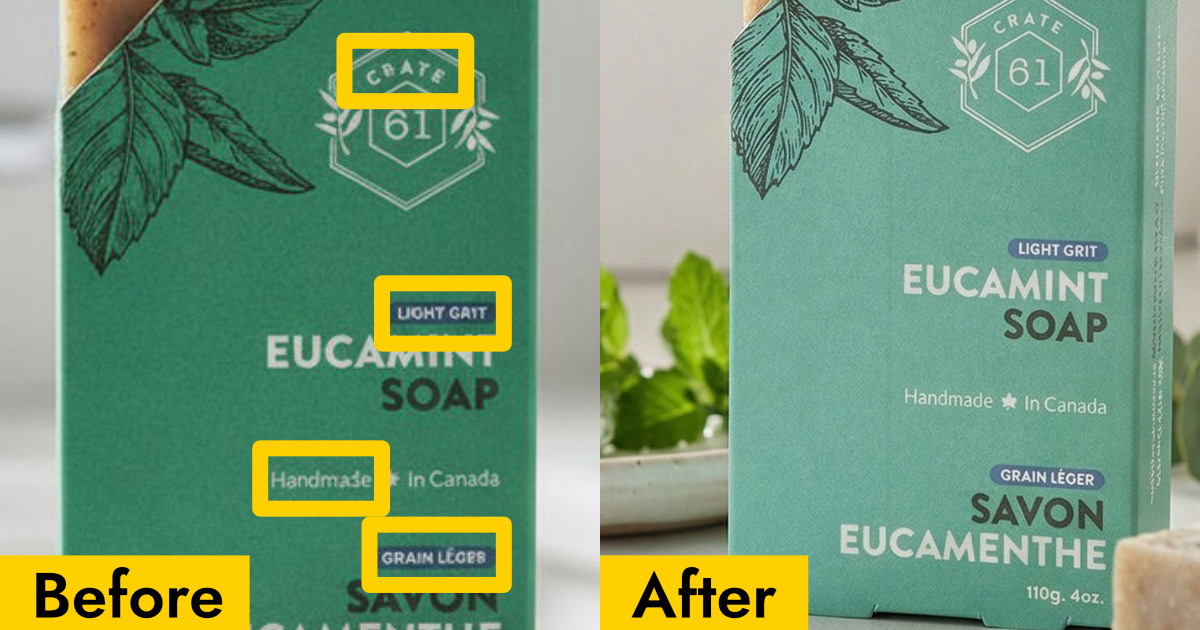
AI image generators often garble text on products. Learn how Pebblely automatically extracts and preserves text on labels, packaging, and branding.
You upload your supplement bottle to an AI photo generator. The background looks great. The lighting is perfect. Then you look at the label and it says "Vitmain D3" instead of "Vitamin D3".
Or the brand name is slightly off. Or the ingredients list has turned into abstract art.
If you sell products with text on them (supplements, skincare, food packaging, beverages, cleaning products) you've probably run into this. The AI generates a beautiful scene but completely mangles the words on your product.
Here's why that happens and how Pebblely fixes it.
Why AI struggles with text on products
Most AI image generators don't actually read text. They create images holistically, predicting what each pixel should look like based on patterns they've learned. When the model encounters text on a product, it doesn't think "that says Vitamin D3, I should write Vitamin D3." It thinks "there's usually some letter-shaped stuff in that area" and guesses.
The result: misspelled brand names, scrambled ingredient lists, made-up words, or text that looks almost right but isn't. For a lifestyle image where the label is tiny in the background, maybe you can get away with it. But for a product listing or a close-up shot? Garbled text makes the image unusable.
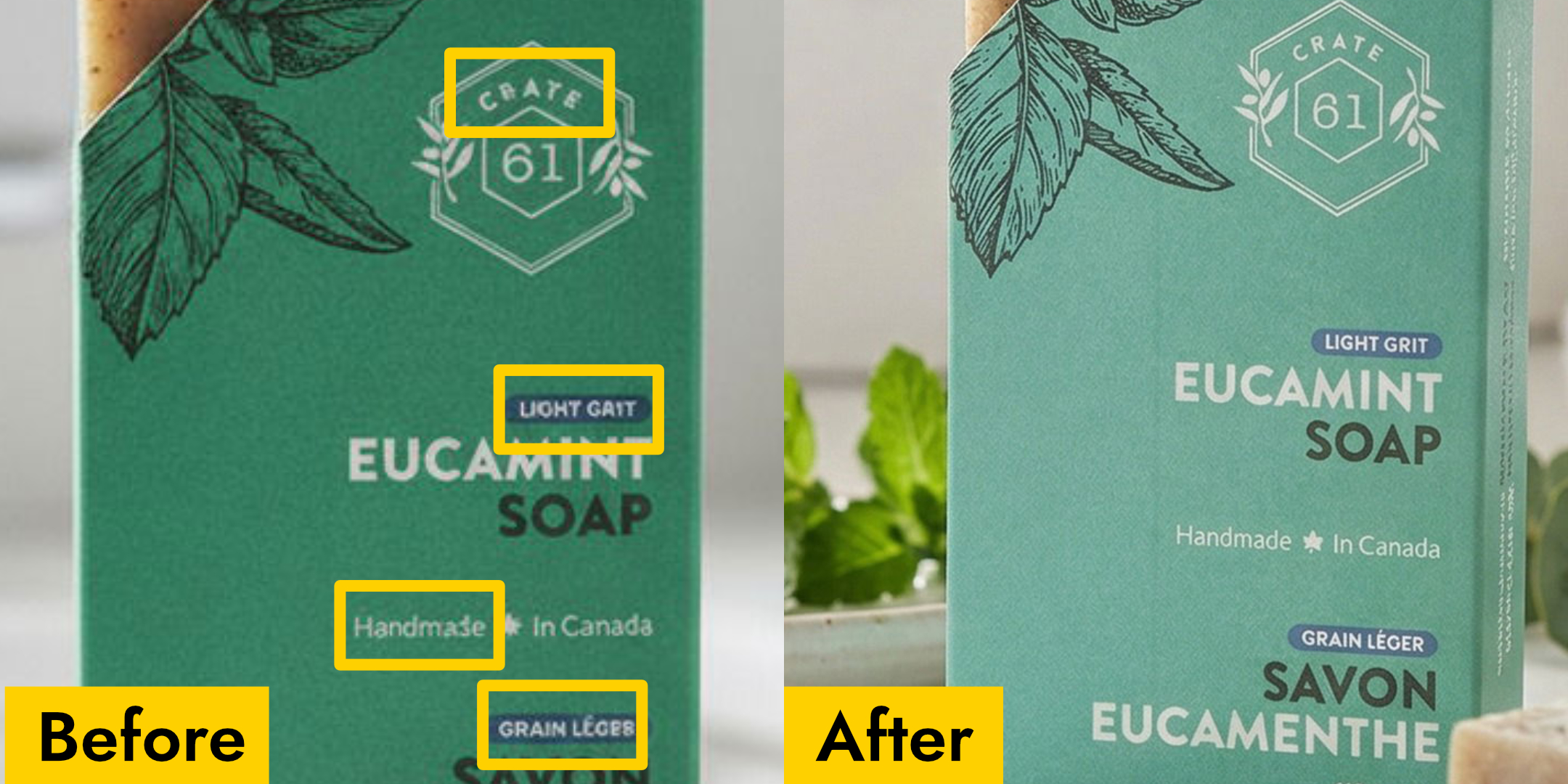
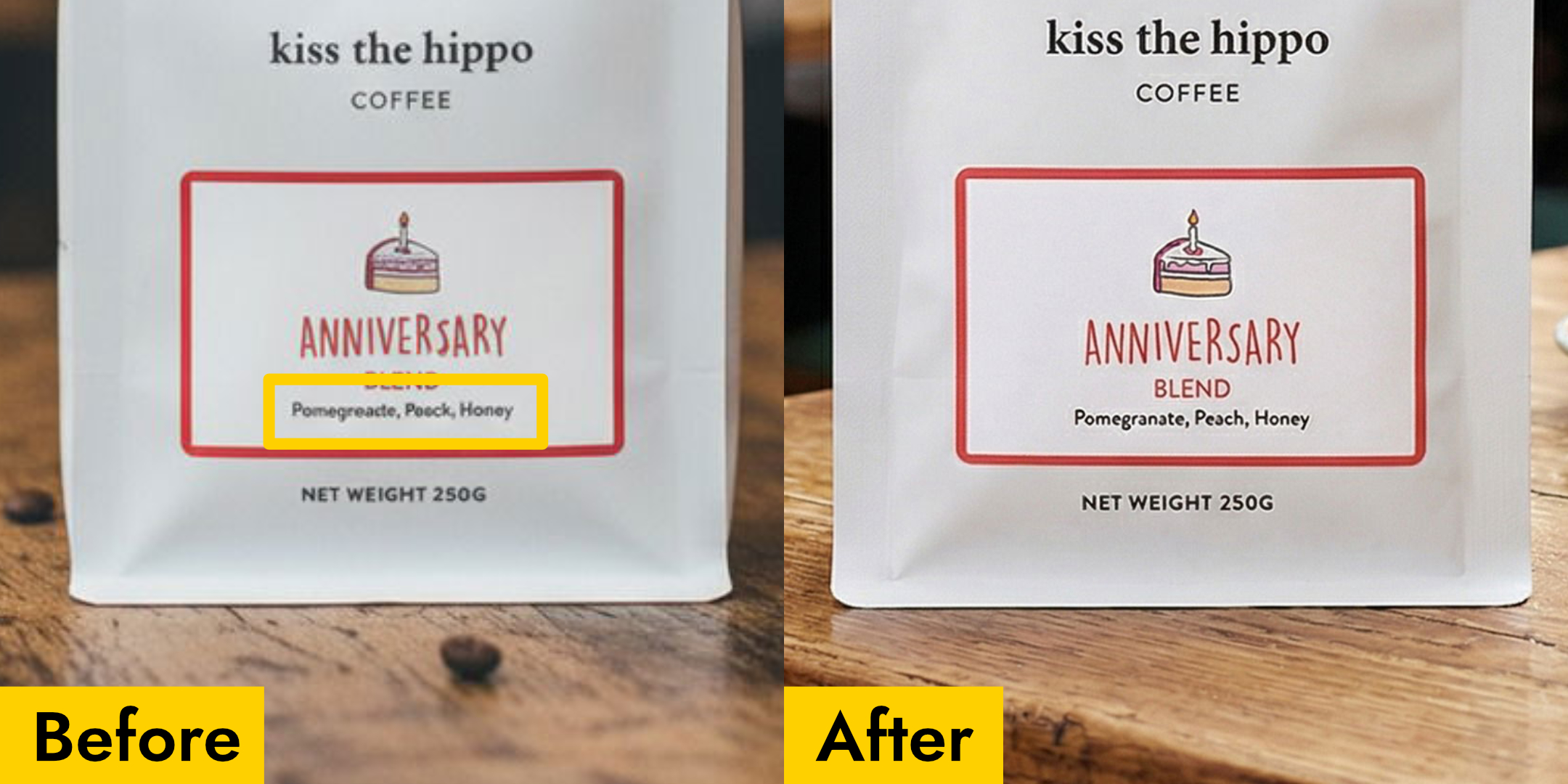
This is especially painful for products where the text is the packaging. A supplement bottle without readable dosage info, a skincare product with a scrambled product name, a food package with gibberish where the flavor should be — these aren't just imperfect photos, they're unusable photos.
How Pebblely fixes this
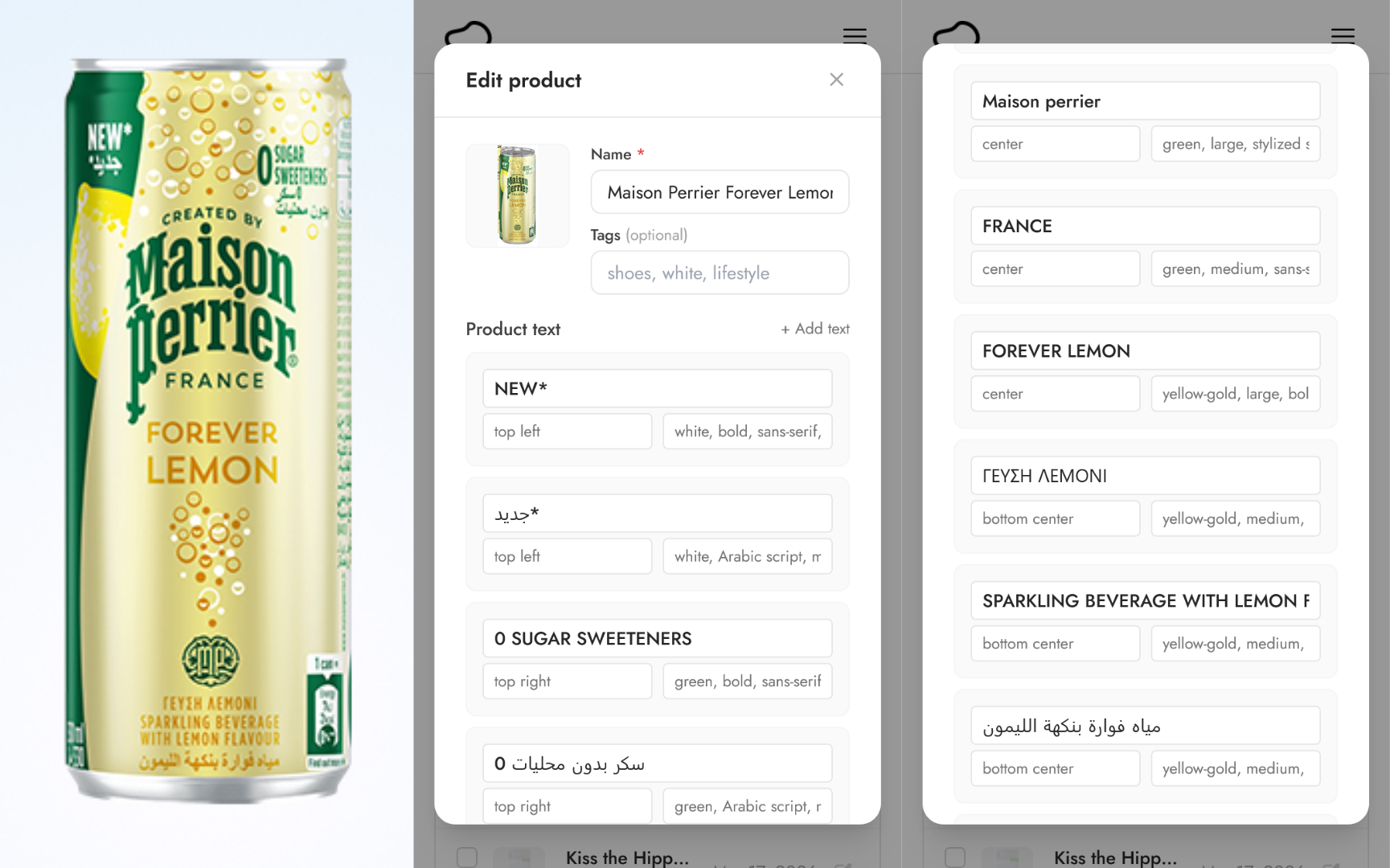
Pebblely takes a different approach. When you upload a product image, Pebblely automatically reads every piece of text visible on your product: the brand name, product name, ingredients, dosage info, taglines, warnings, everything.
It doesn't just extract the words. It also notes where each piece of text appears on the product and how it's styled. Then, when you generate a photo, all of that text information is passed to the AI so it knows exactly what to write and where to put it.
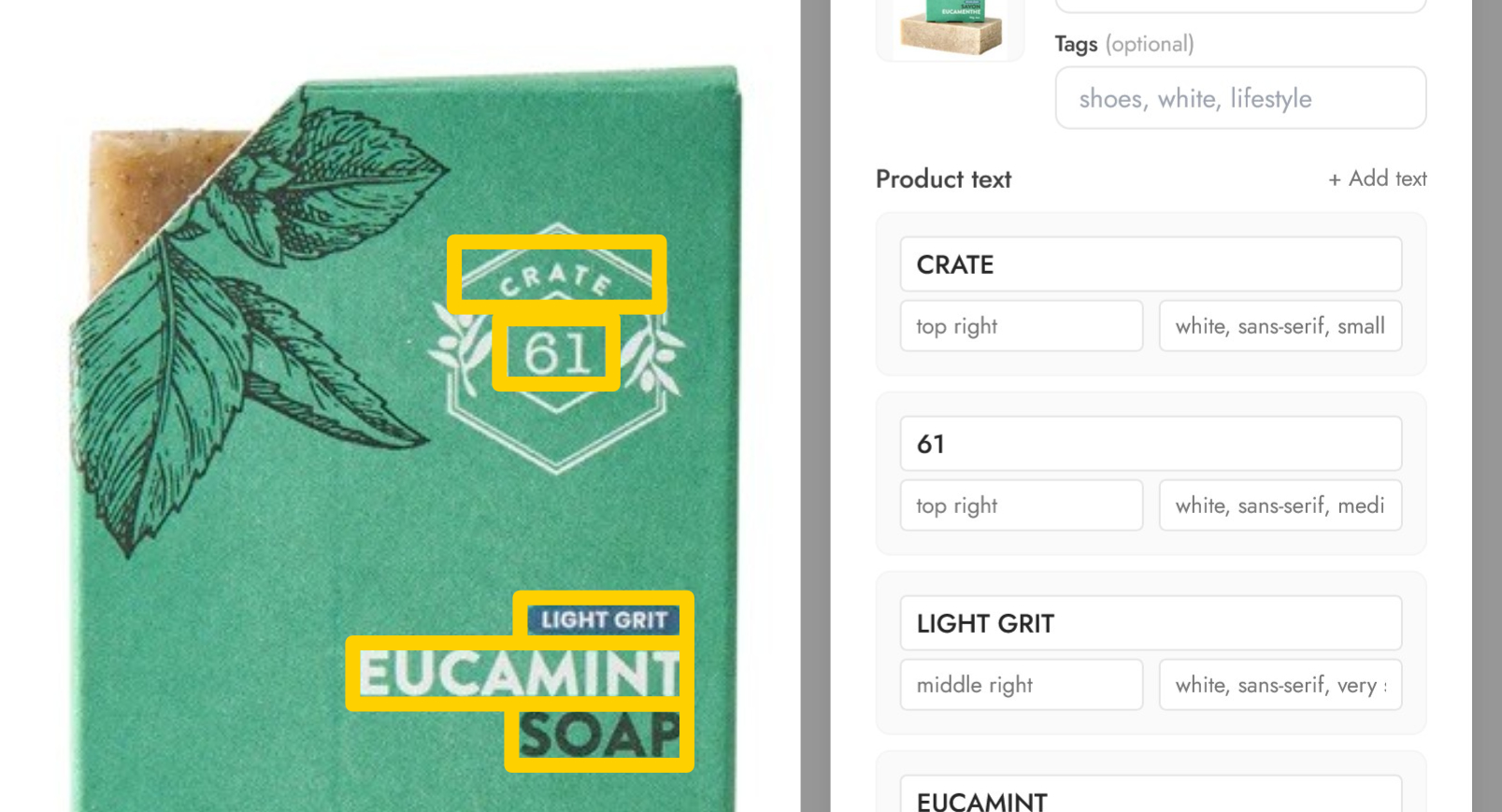
Here's what that means in practice:
- Your brand name stays correct. No more "Cerav" instead of "CeraVe" or "Olay" turning into "Oley".
- Ingredient lists remain readable. The AI preserves the actual text rather than filling the space with random characters.
- Dosage and regulatory text is maintained. For supplements and medicine, this is critical.
- Taglines and marketing copy come through. If your product says "Extra Strength" or "Organic Cold-Pressed", that's what the generated photo will show.
P.S. This works for other languages beyond English as well!
Products where this matters most
Text extraction makes the biggest difference for products where the packaging text is a core part of the visual identity.
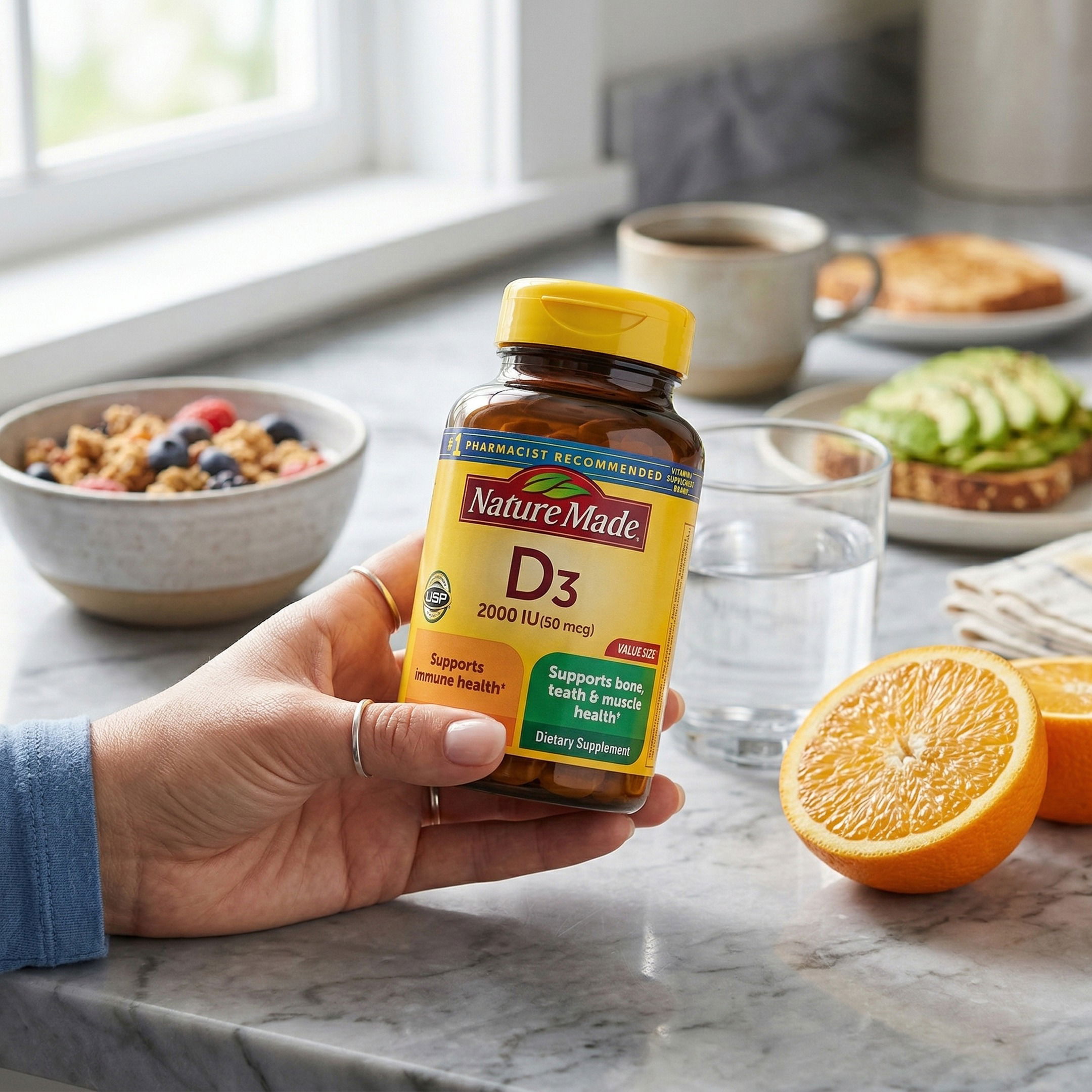
Supplements and vitamins
Supplement bottles are covered in text: brand name, product name, dosage, serving size, ingredient list, certifications. A single misspelled word on a supplement label makes the entire photo look fake. With text extraction, all of that information is preserved in the generated image.
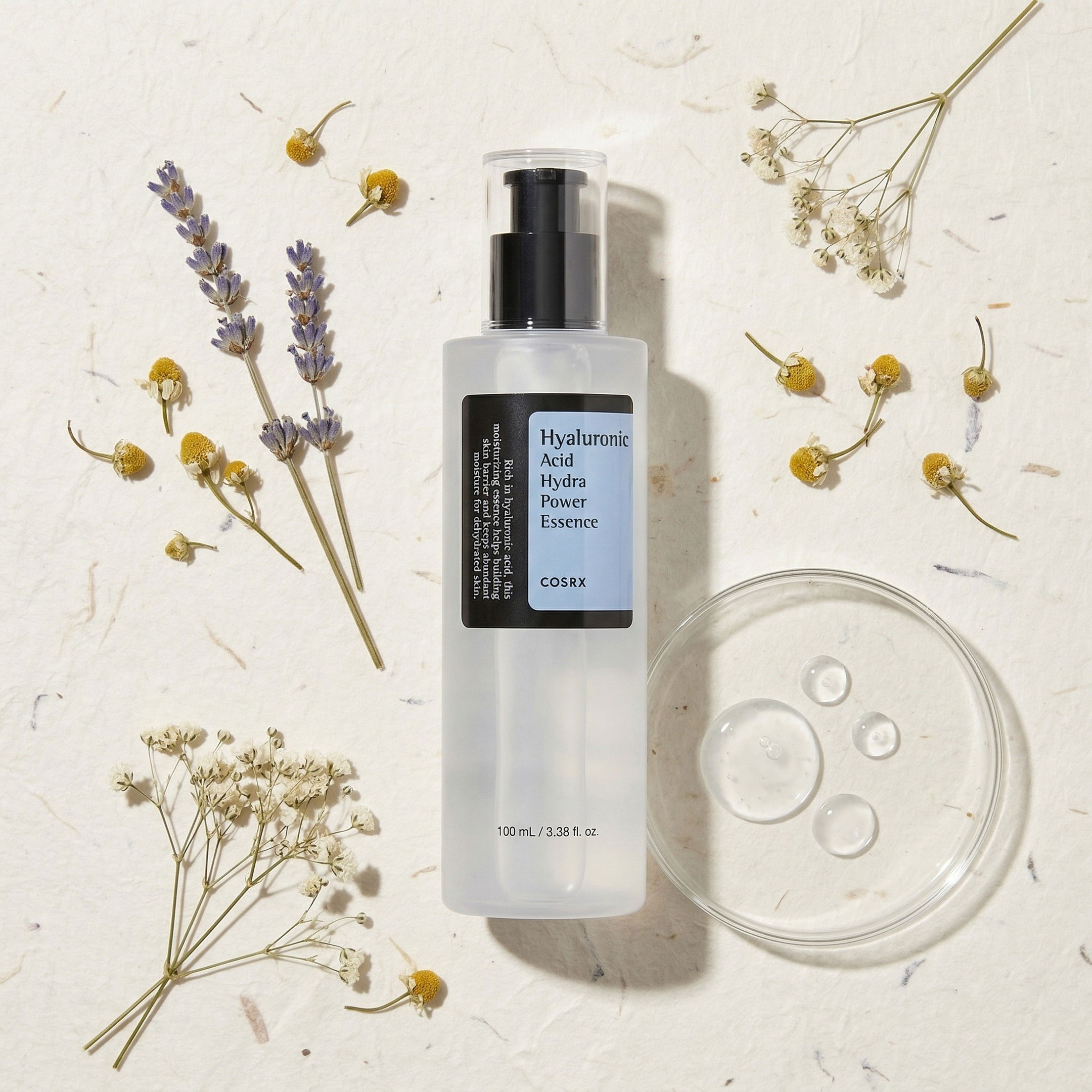
Skincare and cosmetics
Product names, usage instructions, active ingredient callouts, "SPF 50", "Hyaluronic Acid" — skincare products rely on text to communicate what they are. When you're generating product photos for your skincare line, the text needs to be right.
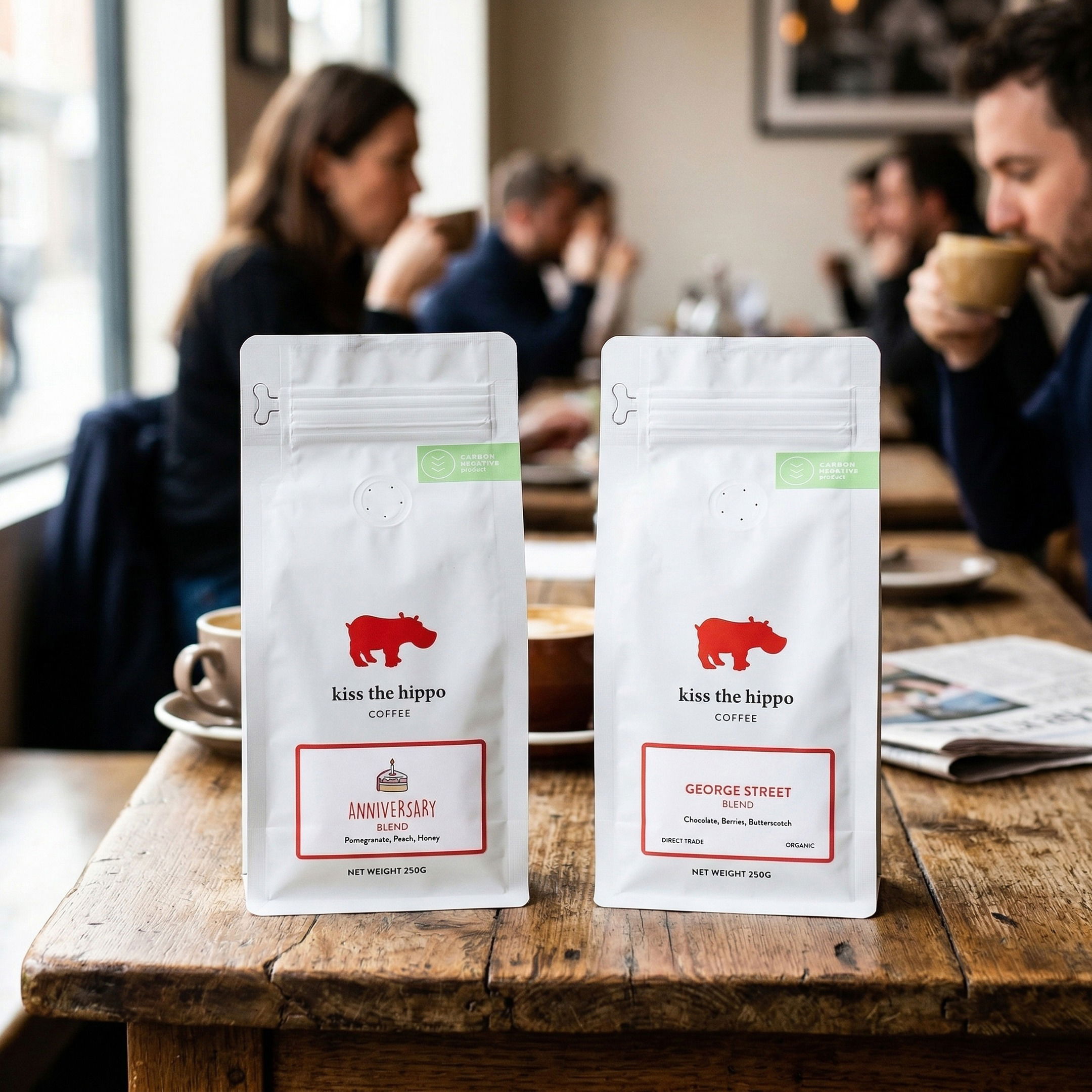
Food and beverage packaging
Flavor names, nutrition info, brand identity, "Net Wt. 12 oz" — food and beverage packaging is dense with text. Whether it's a bag of coffee, a bottle of hot sauce, or a protein bar, the text is part of what makes the product recognizable.
Everything else with a label
Cleaning products, pet food, medicine, candles with scent names, wine bottles — if your product has text that customers need to read or recognize, text extraction ensures it comes through correctly in your AI-generated photos.
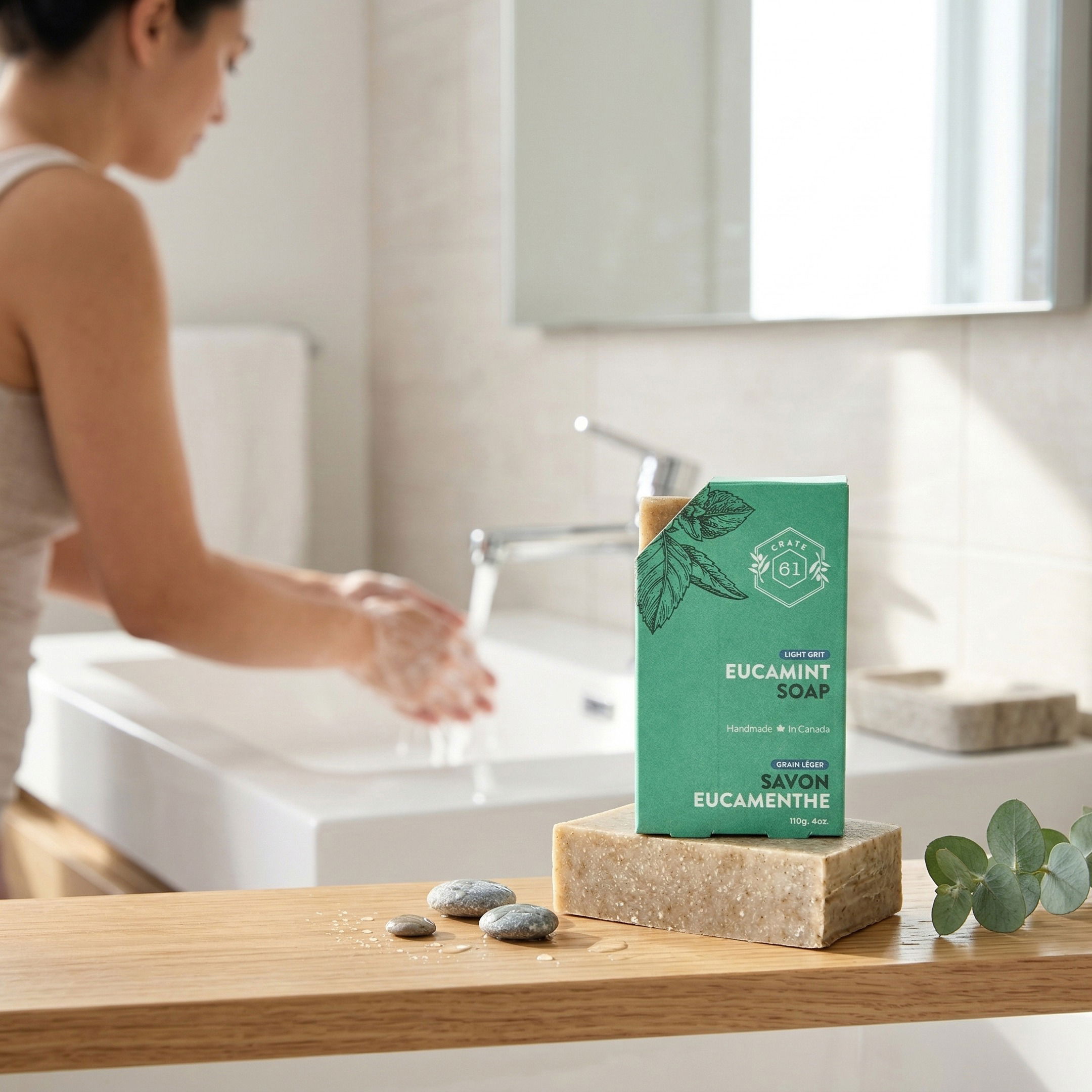
Tips for the best results
Text extraction works automatically, but there are a few things you can do to help it work even better:
Crop tightly to your product
When you add a product and crop the image, make sure all the important text is visible within the crop area. The AI can only read what it can see. If your brand name is cut off at the edge of the crop, it won't be extracted.
Use a clear, well-lit source photo
Text extraction relies on being able to read the text in your uploaded image. A blurry photo, harsh shadows across the label, or low resolution can make it harder to read certain words. A clear, evenly lit photo gives the best results.
Check the extracted text if something looks off
When you edit a product, you can see the text that was extracted. If a word was misread (maybe a stylized font caused a misinterpretation), you can correct it.
Use High Resolution mode
For products where details are critical, use High-resolution mode. This takes longer (about 30 seconds) but is significantly better at handling details.
The difference it makes
Without text extraction, AI product photography has a frustrating gap: the photos look professional but the text looks amateur. You end up in an awkward spot where you have a beautiful image you can't actually use because the label is wrong.
With Pebblely's automatic text extraction, that gap closes. Your product photos look professional and accurate. The brand name is correct, the ingredients are readable, the dosage info is right.
It's one of those features that works best when you don't notice it — your generated photos just look correct, the way they should.
Try it out
Upload a product with text on the label and see for yourself. The text extraction is automatic — just add your product and generate.
Want to learn more about how Pebblely works? Read about the new Pebblely, or check out our guide on 10 AI product photography prompts that work.
Keep learning
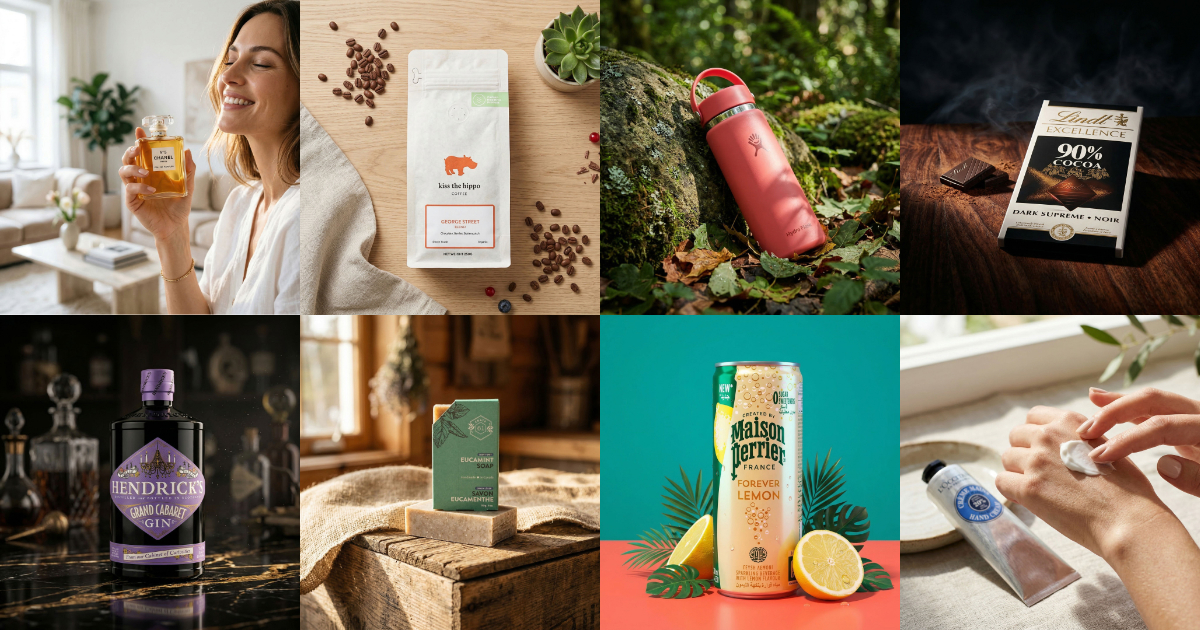
10 AI Product Photography Prompts That Work
Struggling with AI product photo prompts? These 10 tested prompts generate beautiful, realistic product images every time.
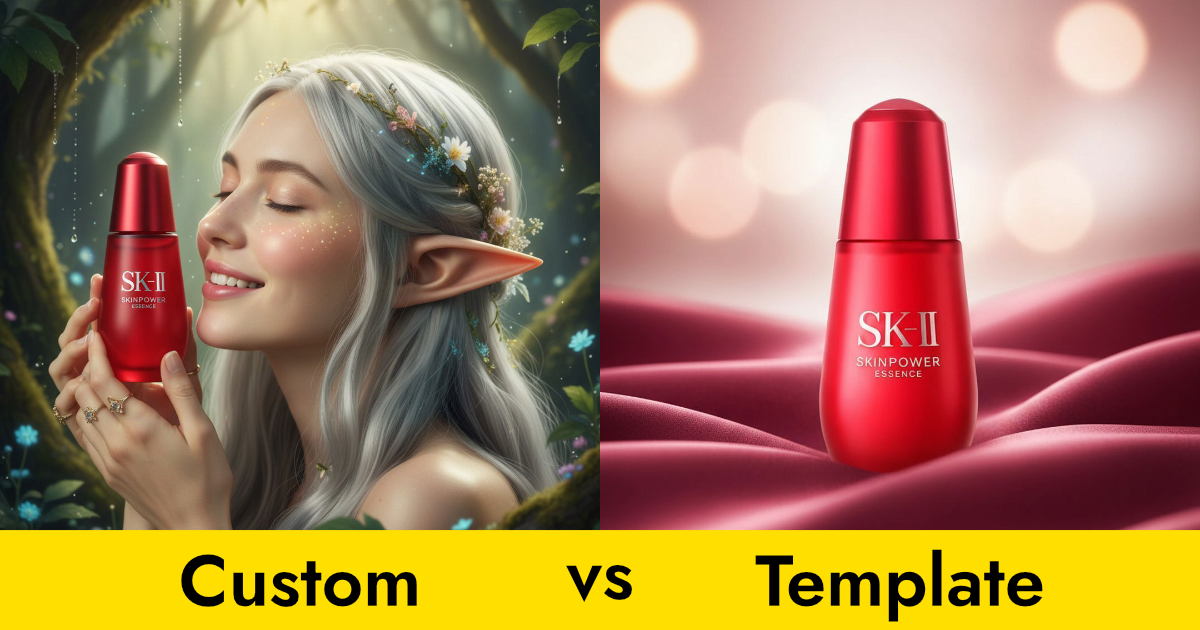
Custom Prompts vs Templates: Which Should You Use?
Pebblely offers two ways to generate product photos: templates and custom prompts. Here's when to use each for the best results.
How to Create Gorgeous Product Photos in 3 Steps
Learn how to create stunning AI product photos with Pebblely in just 3 steps: add your product, generate, and download. No photoshoot needed.