
Product/March 8, 2026
Introducing the New Pebblely: Faster, Simpler AI Product Photos

SK
Co-founder
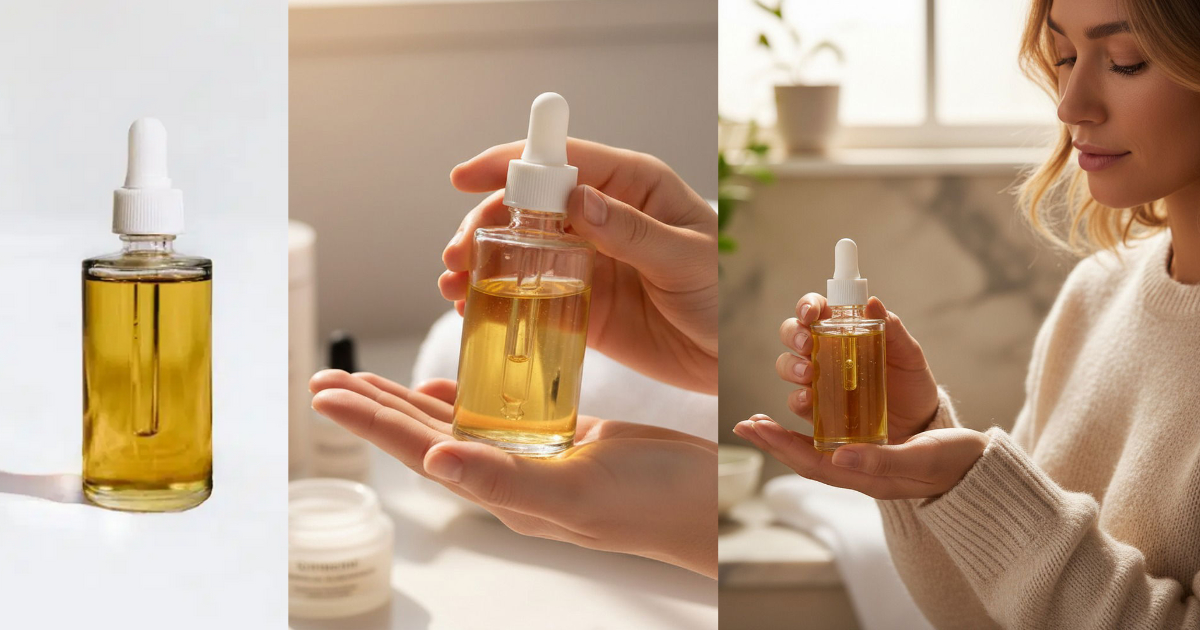
We've rebuilt Pebblely from the ground up. No more background removal. Just upload your product, describe what you want, and get beautiful photos in seconds.
We've rebuilt Pebblely from the ground up.
The old Pebblely required you to upload a photo, remove the background, position your product on a canvas, pick a theme, and then generate. It worked, but it was more steps than it needed to be.
The new Pebblely cuts that down to three steps: upload your product, describe what you want, and hit Create. That's it.
Here's what changed and why.
What's new
1. No more background removal
This is the biggest change. You no longer need to remove the background from your product photo before generating.
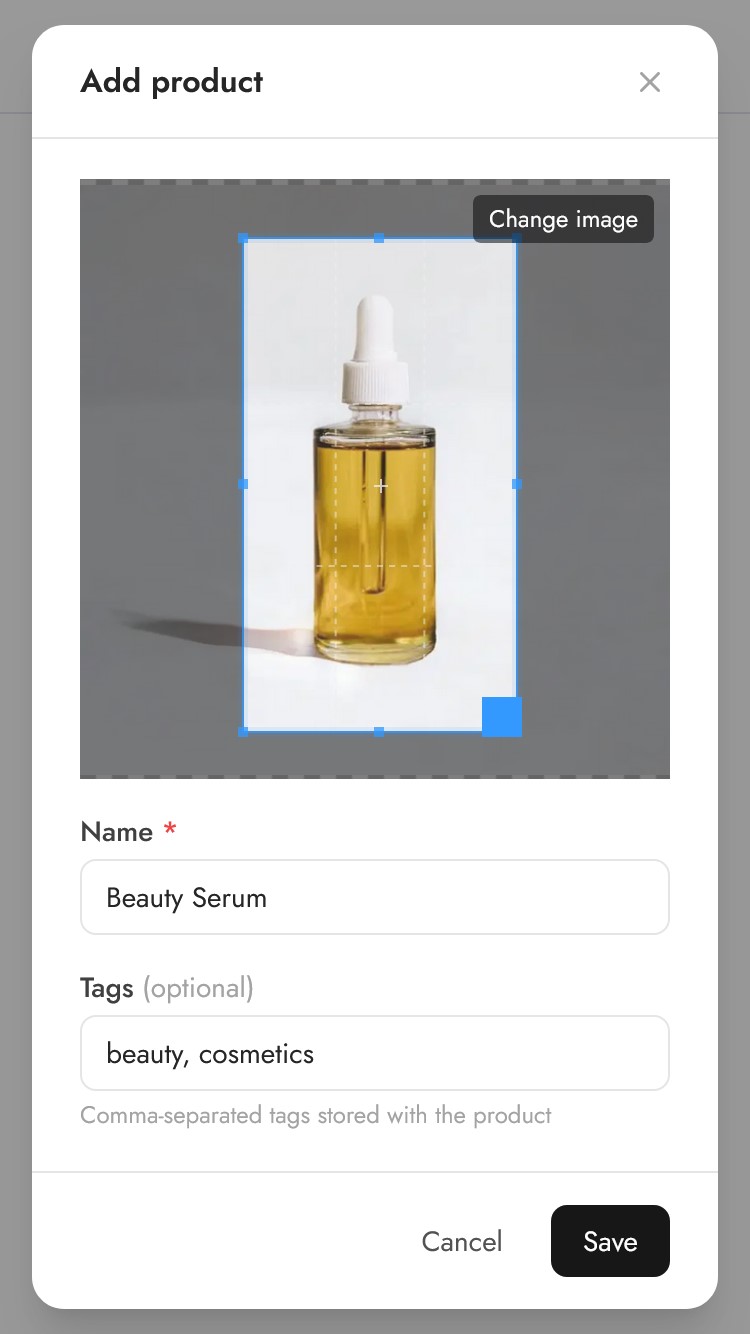
Just upload your product image as-is, crop it to your product, and the AI takes care of the rest. It understands what your product is and generates the right background around it.
This alone saves a significant amount of time, especially if you're working with products that have tricky edges like jewelry, hair accessories, or transparent bottles.
2. A more powerful AI
The previous Pebblely used a diffusion-based pipeline that sometimes struggled with complex scenes. The new Pebblely is powered by a more capable model that handles things the old one couldn't:
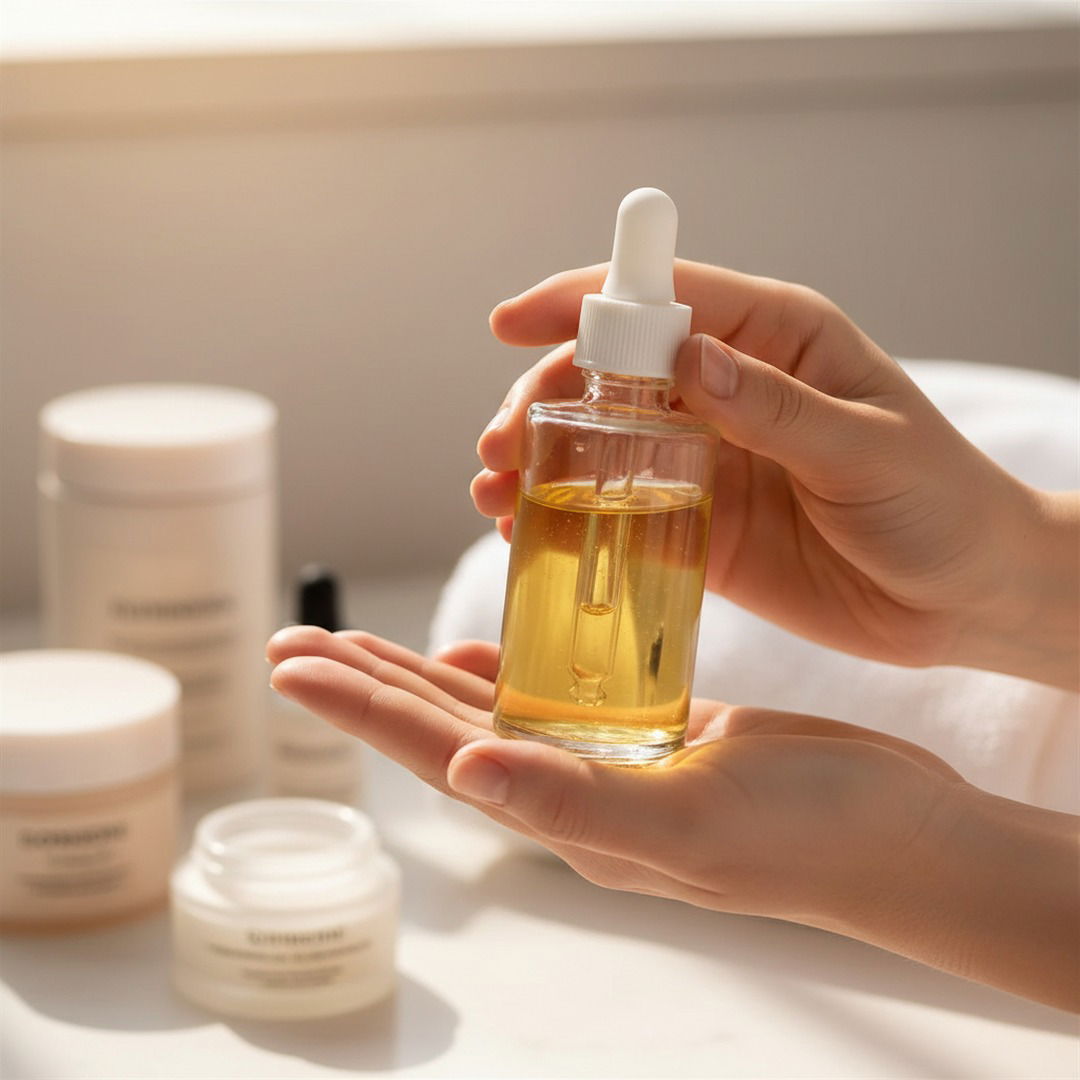
- People holding products — Describe "a woman holding this serum bottle" and get natural, realistic results
- Complex compositions — The AI better understands spatial relationships and lighting
- Finer details — Text on packaging, intricate patterns, and product textures come through more clearly
3. Two ways to generate: Custom and Templates
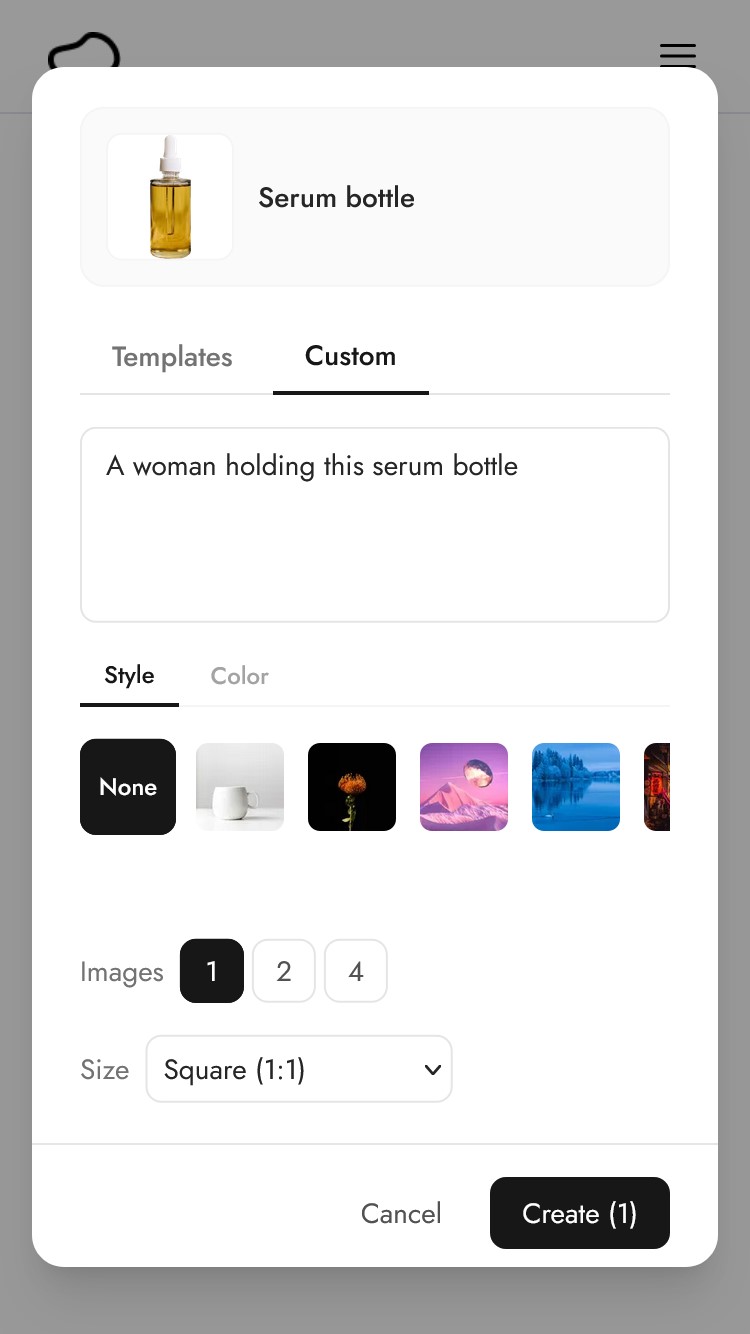
When you click on a product to generate images, you'll see two tabs:
Custom lets you describe exactly what you want. Type something like "on a marble countertop with warm morning light" or "a woman holding this perfume bottle in a garden". You can also pick a style image or a color to influence the result.
Templates gives you our library of 40+ pre-made themes — Cafe, Studio, Kitchen, Water, and many more. Pick one and generate. No typing required.
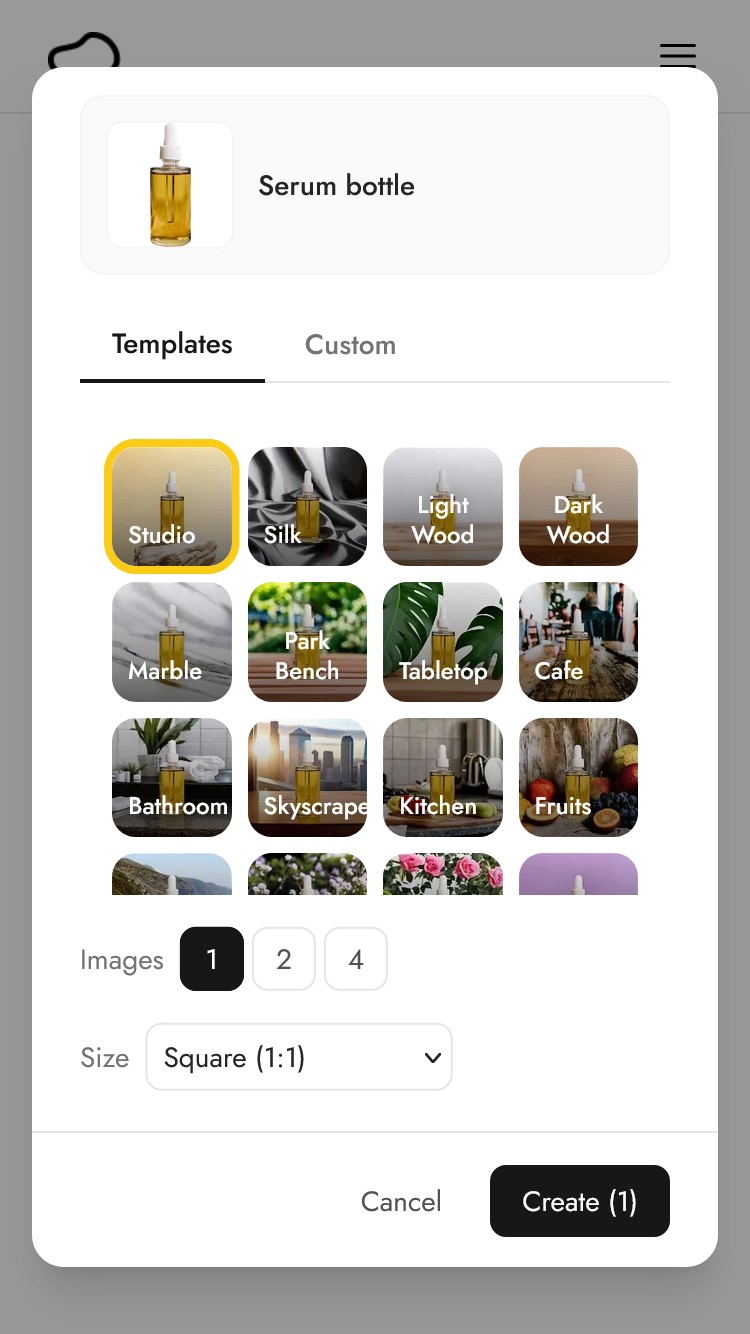
Both modes let you choose how many images to generate (1, 2, or 4 at a time) and the image size.
4. Built-in size presets for every platform
Instead of manually resizing after the fact, you now pick your size before generating:
- Square (1:1) — 1080x1080, great for Instagram posts and product listings
- Portrait (4:5) — 1080x1350, ideal for Instagram feed posts
- Story (9:16) — 1080x1920, for Instagram and TikTok stories
- Landscape (16:9) — 1920x1080, perfect for website banners and email headers
- Facebook Ad (16:9) — 1200x628, optimized for Facebook and Meta ads
The AI generates the full image at the right dimensions from the start, rather than cropping or extending an existing square image. This means better compositions that are designed for the format.
5. Bulk generate and bulk download
You can now select multiple products from your product list and generate images for all of them at once with the same settings.
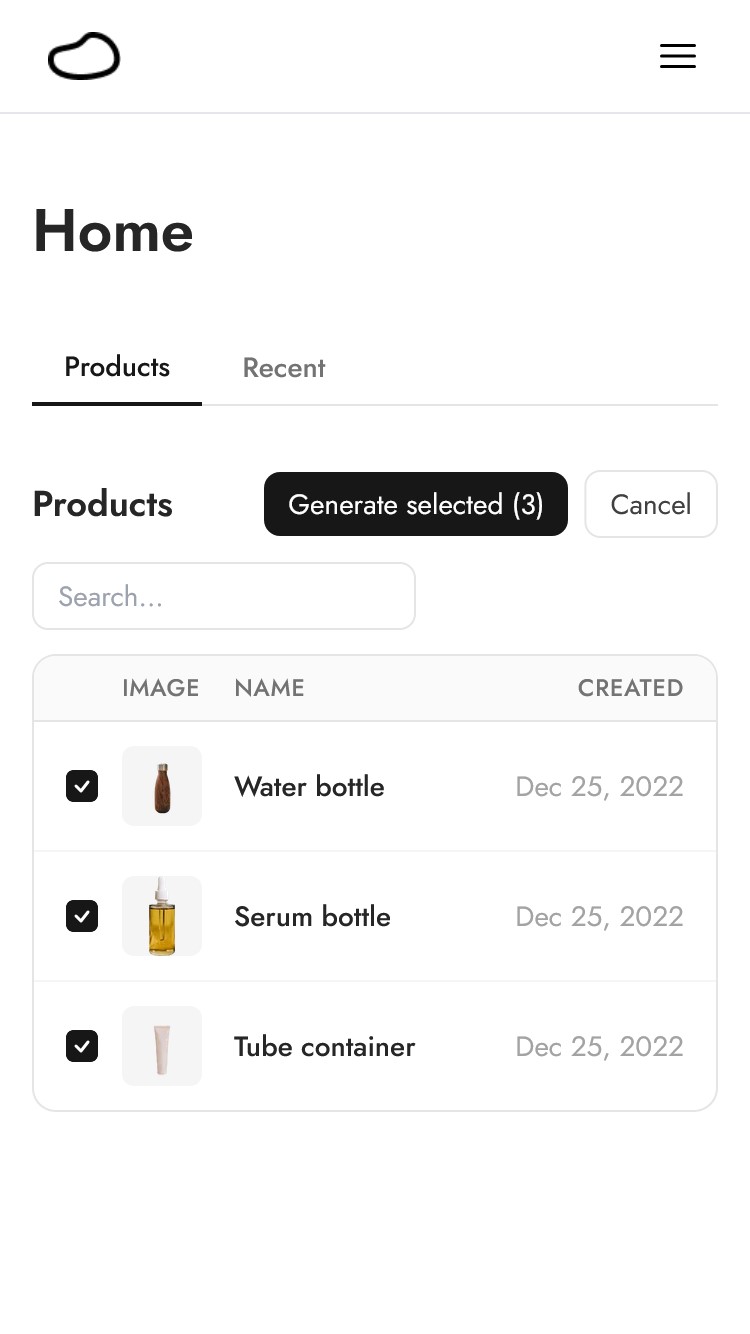
The Create button shows you the total credit cost before you commit. Once your images are ready, you can select multiple results and download them all at once.
This is a huge time saver if you manage a catalog of products and need consistent imagery across the board.
A simpler workflow
Here's the full flow in the new Pebblely:
Step 1: Add your product. Click "Add product", upload an image, crop it to your product, give it a name, and save.
Step 2: Generate. Click on your product (or select multiple), choose Custom or Templates, pick your settings, and hit Create.
Step 3: Download. Your images appear in the Recent tab. Click to view, then download the ones you like.
That's three steps. No background removal. No canvas positioning. No separate resize step.
For a detailed walkthrough with screenshots, check out our How does Pebblely work? guide.
Pricing
Our pricing is straightforward:
| Plan | Price | Credits |
|---|---|---|
| Basic | $19/mo ($15/mo annual) | 200 images/month |
| Pro | $39/mo ($32/mo annual) | 500 images/month |
Both plans include all features: custom prompts, templates, bulk generation, and all size presets. The only difference is the number of images you can generate each month.
What this means for existing users
If you've been using Pebblely, the transition is seamless. Your account, subscription, and credits carry over. You'll see a "What's New" modal when you first log in that walks you through the key changes.
Your previously generated images are still accessible in your Recent history. The main difference is how you create new ones. We think you'll find the new flow faster and more intuitive.
Try it out
The new Pebblely is live now. Log in right now to try it out.
Keep learning
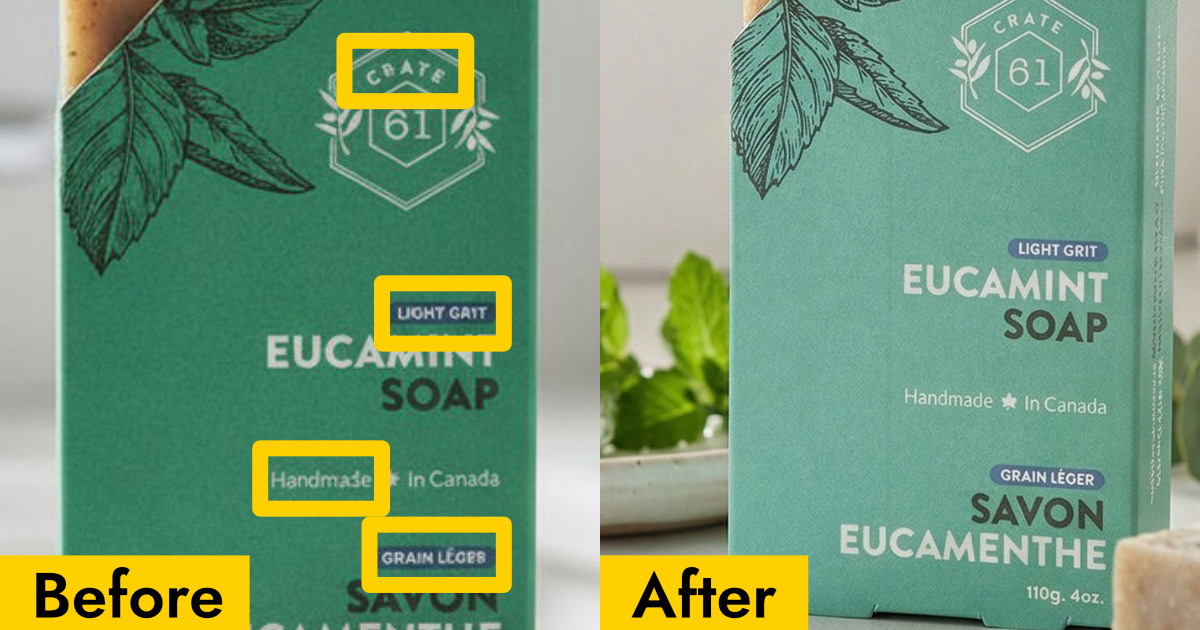
Why Your AI Product Photos Keep Getting the Text Wrong (and How to Fix It)
AI image generators often garble text on products. Learn how Pebblely automatically extracts and preserves text on labels, packaging, and branding.

10 AI Product Photography Prompts That Work
Struggling with AI product photo prompts? These 10 tested prompts generate beautiful, realistic product images every time.
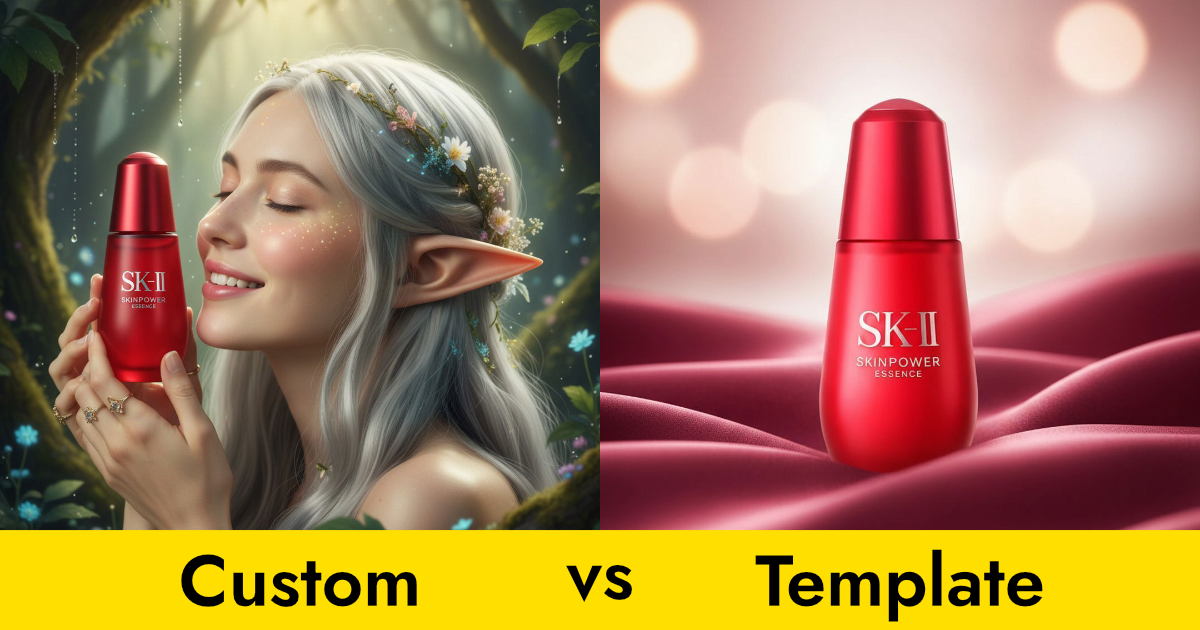
Custom Prompts vs Templates: Which Should You Use?
Pebblely offers two ways to generate product photos: templates and custom prompts. Here's when to use each for the best results.